5 Ways to Sidechain in FL Studio 24.2
Sidechaining is one of the most important mixing techniques in modern music production. Whether you create EDM, hip-hop, trap, lo-fi, house, or cinematic tracks, proper sidechaining helps your mix feel cleaner, punchier, and more professional. Sidechain in FL Studio 24.2 includes new improvements in routing, mixer control, and plugin stability that make sidechaining smoother than ever.
This guide explains the five best and most practical ways to sidechain in FL Studio 24.2, when to use each method, and how to set everything correctly for a clean pump effect or subtle ducking. Every method is explained step-by-step so you can apply it instantly in your project.
What Is Sidechain in FL Studio
Sidechaining is a mixing technique where one sound automatically reduces its volume whenever another sound plays. The most common example is:
- Kick plays → Bass ducks (volume lowers)
- Kick plays → Pad or synth ducks
- Kick plays → Reverb tail ducks
This creates space for the kick, improves clarity, and adds groove to a track.
Why Producers Use Sidechain in FL Studio
Sidechaining is used for:
- Giving the kick drum more punch
- Reducing clashing frequencies
- Improving mix separation
- Creating the EDM pumping effect
- Making vocals stand out above instruments
- Controlling reverb and delay tails
FL Studio 24.2 offers multiple ways to achieve this depending on the effect you want.
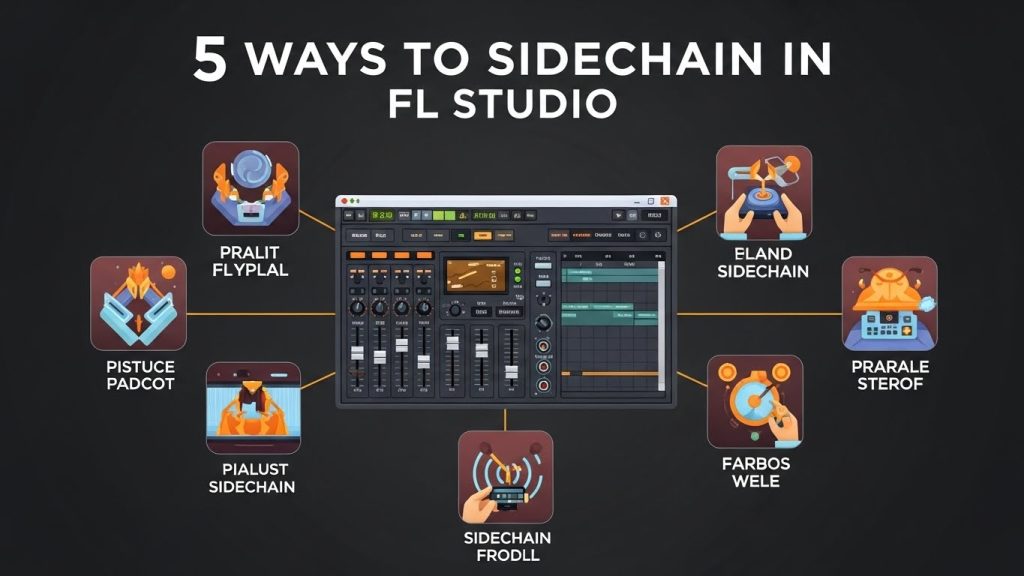
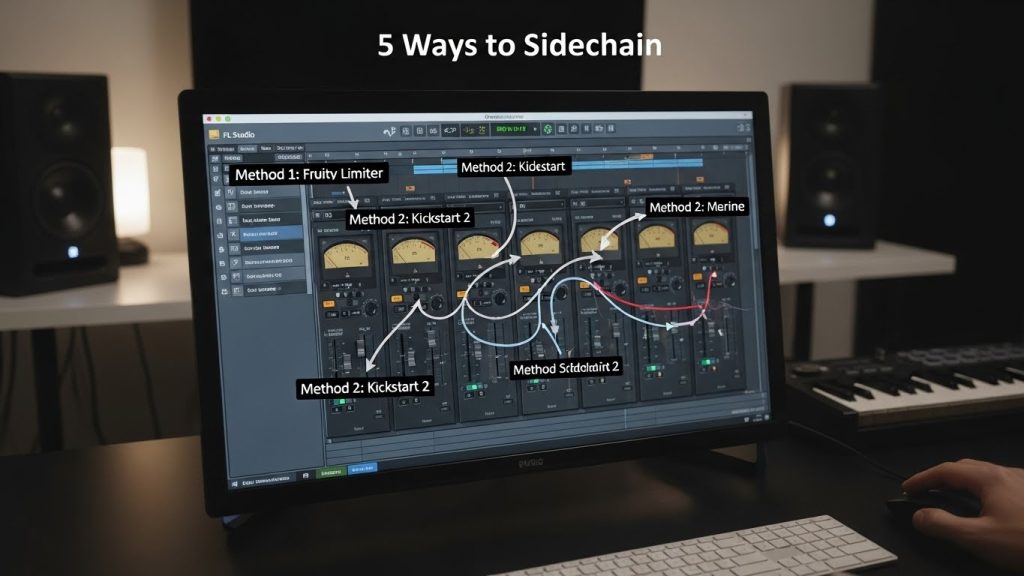
5 Ways to Sidechain in FL Studio 24.2
Below are the five easiest, cleanest, and most producer-friendly methods used in professional mixing.
Sidechaining Using Fruity Limiter (Classic Method)
This is the most commonly used method for real-time ducking. Ideal for kick–bass sidechain, pads, leads, chords, reverb, and more.
Steps:
- Route the kick to the sidechain bus or directly to the instrument you want to duck.
- Mixer → Right-click the arrow → Sidechain to this track
- On the instrument track (bass/pad/etc.), open Fruity Limiter.
- Go to the COMP tab.
- Select the kick as the sidechain input from the “SIDECHAIN” menu.
- Set
- Threshold: Pull down until the ducking starts
- Ratio: 4:1 to 10:1 depending on the pumping effect
- Attack: 1–5 ms
- Release: 100–200 ms for natural pumping
When to use this method
- Clean kick-bass separation
- Standard EDM and pop sidechain
- Natural mixing (not extreme pumping)
Why it’s good
- Very precise
- Low CPU usage
- Easy to control shape of the ducking
Sidechaining Using Gross Beat (Fast EDM Pumping)
Gross Beat is popular for instant dance-music pumping, especially in genres like EDM, future bass, slap house, and big room.
Steps:
- On your synth, pad, or chord bus, load Gross Beat.
- Go to Volume section.
- Select a preset such as:
- Sidechain 1
- Sidechain 2
- 1/2 Beat Gate
- Adjust the envelope curve if needed.
- Sync timing to the kick pattern (usually 1/4 or 1/2 beat).
When to use this method
- Slap house
- EDM drops
- Strong pumping effect
- Tempo-synced movement
Why it’s good
- Instant pumping
- No routing needed
- Super easy for beginners
Sidechaining Using Peak Controller (Custom Automation)
Peak Controller gives more control and allows unique rhythmic sidechain effects. It reacts to the kick’s peak volume and controls another parameter of your choice.
Steps:
- Add a Peak Controller to your kick mixer track.
- On the instrument track you want to duck:
- Right-click the volume fader → Link to controller
- Choose:
- Internal Controller → Peak ctrl – Peak
- Adjust:
- Base: How low the volume goes
- Vol: Strength of ducking
- Tension: Curve shape
- Decay: Release time
When to use this method
- Sidechain automation for effects
- Ducking reverb or delay
- Creating rhythmic pumping patterns
- Advanced sound design
Why it’s good
- Very customizable
- No need to route audio
- Works on any parameter, not just volume
Sidechaining Using Automation Clips (Precise Manual Control)
Automation sidechaining is perfect when you want a fixed, consistent, and visually exact pump effect. Producers use this for heavy EDM buildups or transitions.
Steps:
- Go to the Volume Envelope of the instrument.
- Right-click → Create Automation Clip.
- Draw a curve that dips when the kick hits.
- Repeat the pattern across the track.
- Adjust tension or points to make the pump stronger or softer.
When to use this method
- Creative control
- Tracks with irregular kick patterns
- Long pads, ambient textures
- Times when you need exact visual pumping
Why it’s good
- Fully controlled by the producer
- Works even without routing
- Great for cinematic and slower genres
Sidechaining Using Maximus (Advanced Multiband Sidechain)
Maximus is the most advanced method. It allows you to sidechain only low frequencies, only mids, or only highs. Perfect for professional mixing.
Steps:
- Route the kick to the instrument (sidechain only).
- Insert Maximus on the bass/synth track.
- Open the Low band.
- Click Sidechain → Select the kick as input.
- Reduce the low-band threshold when the kick hits.
- Adjust release for smooth ducking.
When to use this method
- Multiband ducking
- Kick–808 separation
- Clean mix in trap, drill, EDM
- Ducking only sub frequencies without touching mids/highs
Why it’s good
- Extremely clean
- Avoids over-pumping
- Perfect for professional mixing engineers
Which Sidechain Method Should You Choose?
| Style / Need | Best Method |
|---|---|
| Clean, standard kick-bass separation | Fruity Limiter |
| EDM pumping (quick/easy) | Gross Beat |
| Unique rhythmic control | Peak Controller |
| 100% manual accuracy | Automation |
| Multiband/sub-only ducking | Maximus |
Pro Tips for Better Sidechaining in FL Studio 24.2
- Use short release for fast punch, long release for smooth pumping
- Avoid over-sidechaining: too much ducking makes mix unstable
- Sidechain reverb and delay to avoid muddy vocals
- Try ghost sidechain kicks for cleaner processing
- Always monitor the low-end balance to keep bass consistent
Common Sidechaining Mistakes to Avoid
- Ducking too much volume
- Using long attack times causing late pumping
- Forgetting to route sidechain signals
- Sidechaining entire mix instead of specific tracks
- Creating uneven pumping due to incorrect automation points
Final Thoughts
Sidechain in FL Studio 24.2 gives producers multiple powerful ways to apply sidechain compression. Whether you want clean kick-bass separation, aggressive EDM pumping, or subtle ducking for vocals and reverb, the five methods above cover every possible situation. The right technique depends on your genre, workflow, and how much control you want. Experiment with Fruity Limiter, Gross Beat, Peak Controller, Automation Clips, and Maximus until you find which one fits your style the best.